@browserbasehq/mcp with no per-session pricing and no cloud dependency.
What you get
- Local or remote browser control through CDP (or launch a fresh one)
- HTTP MCP endpoint (
/mcp) plus stdio transport - 19 deterministic tools for navigation, interaction, extraction, screenshots, and tabs
- Shader control tools for heavy WebGL pages
- Optional AI orchestration through
BrowserAgent - Framework-friendly wrapper through
BrowserSkill
Typical workflow
- Start the server (
stdioor HTTP mode) - Call
browser_start - Run tool calls (
browser_navigate,browser_click,browser_get_content, etc.) - Close with
browser_end
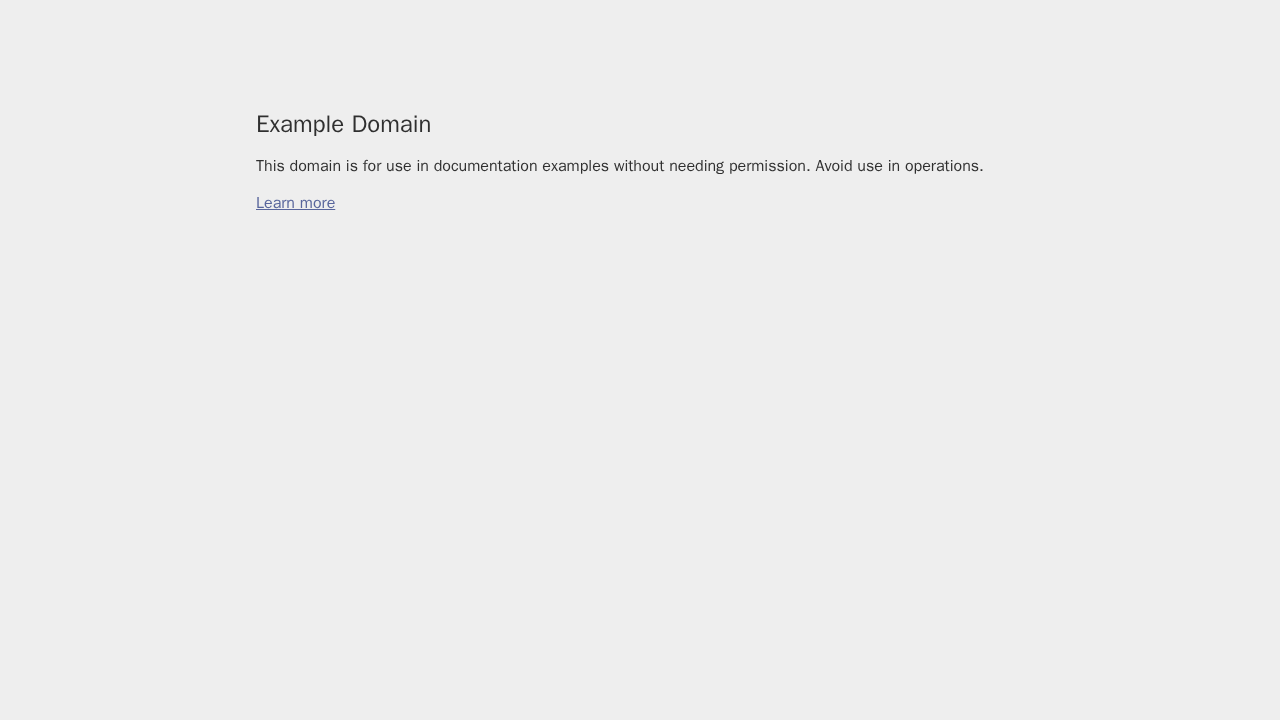
Real output from this project
The screenshot below was produced by this repository’s own tool flow (browser_start → browser_navigate → browser_screenshot).
Where to go next
- Start quickly: /getting-started/quickstart
- Run in Docker: /getting-started/docker
- Learn BrowserAgent and BrowserSkill: /guides/agent-and-skill
- View architecture page: /reference/architecture